


Software to create backups of Nintendo Wii games
Avoiding problems with the games stored on the Nintendo Wii is as easy as having a software application that allows you to create backups. This is precisely the aim of WBFS Manager.
Backups of your Wii games
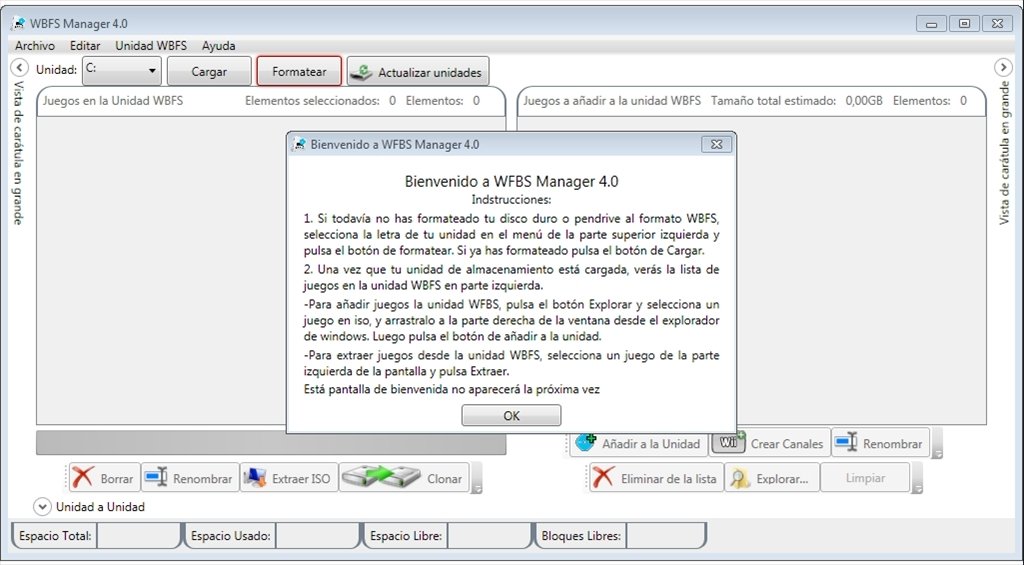
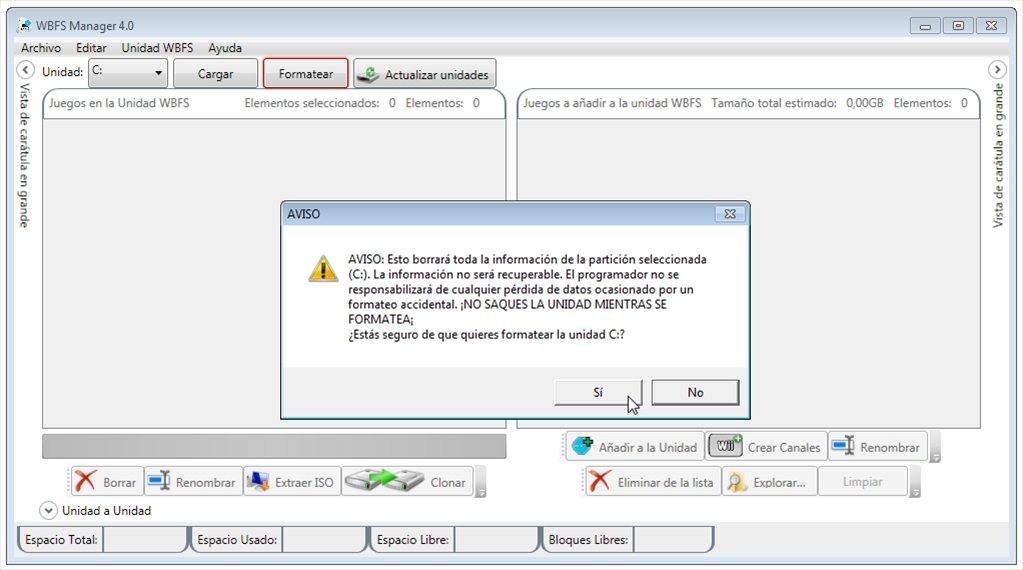
WBFS is the file system of the Wii game console, a system similar to NTFS which is used by hard drives in Windows. You only have to format the storage unit to be used in the WBFS file system and, once the unit has been loaded, you'll be able to work with your games. You have to know that WBFS Manager isn't an official Nintendo product, but it works perfectly.
GUI to work with storage units in WBFS format.
Features
- List of the games stored with information about titles, file sizes and codes.
- Drag and drop function.
- Batch processing of ISO images.
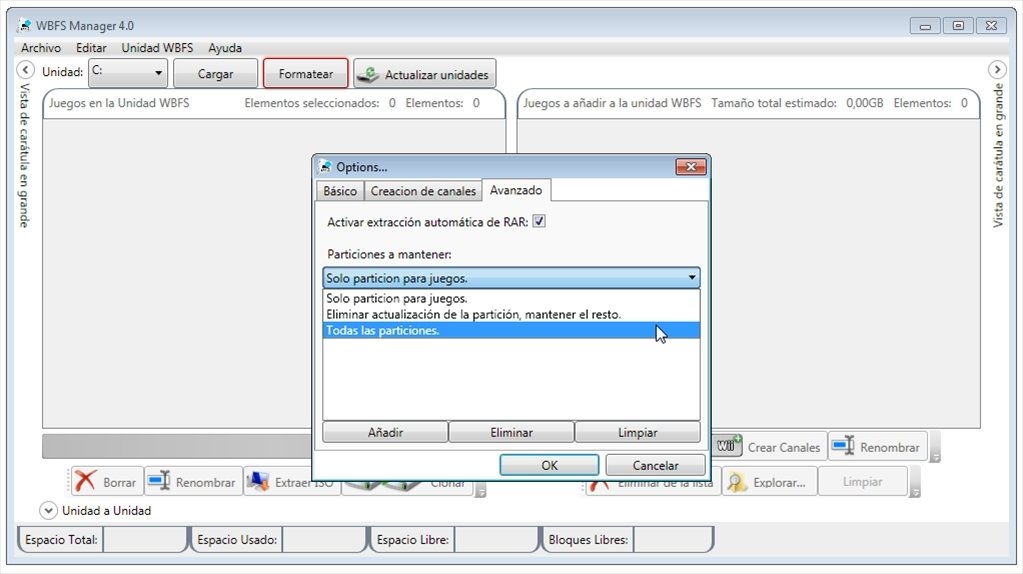
- Automatic extraction of files compressed in RAR format.
- Export lists to CSV documents.
- Possibility to use more than one folder for covers.
- Input for the creation of Homebrew Channel.
By downloading WBFS Manager for Wii you'll always have your games backed up. Avoid the consequences of accidental data losses with this WBFS file system manager for Windows.
Requirements and additional information:
- It's necessary to have Microsoft .NET Framework 3.5 SP1.
- This download requires a RAR compatible compressor.
 Elies Guzmán
With a degree in History, and later, in Documentation, I have over a decade of experience testing and writing about apps: reviews, guides, articles, news, tricks, and more. They have been countless, especially on Android, an operating system...

Antony Peel